How to use the Cactus API
Get an API key
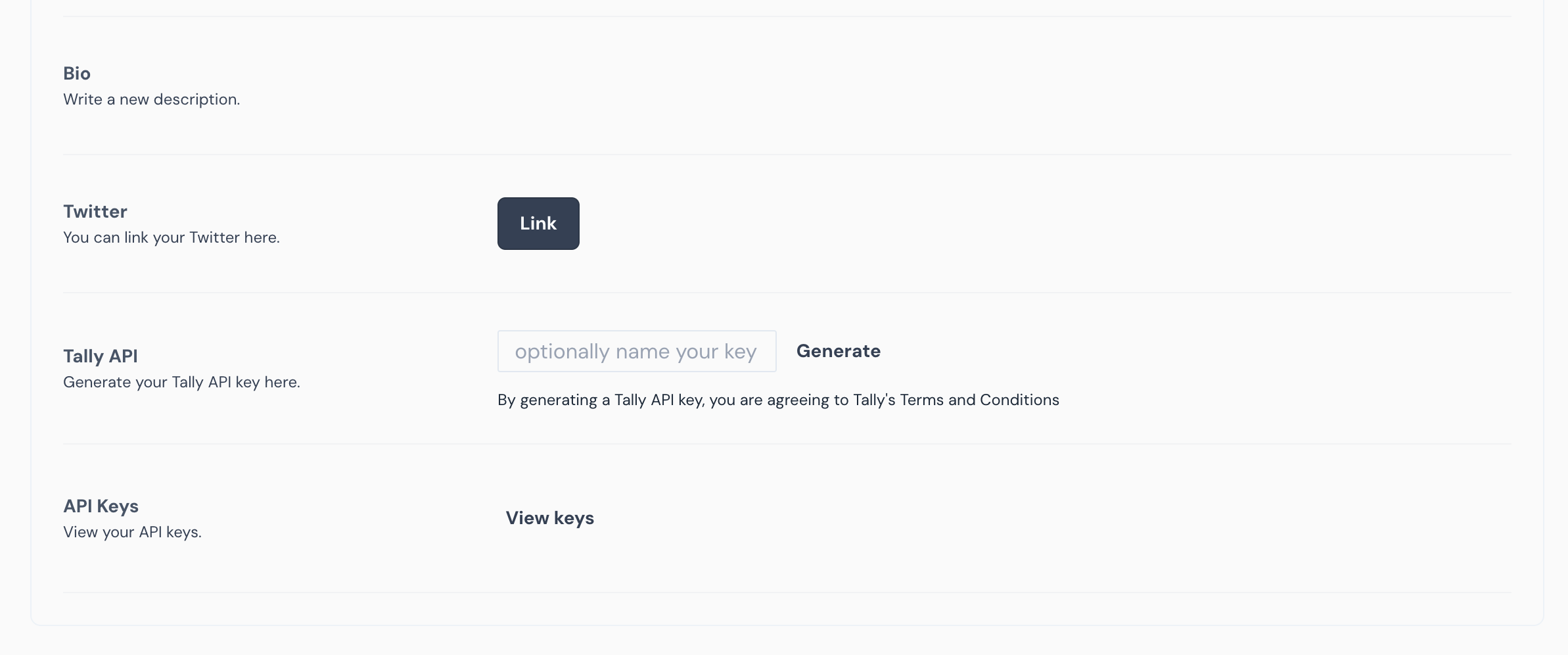
To get started, you’ll need an API key. Sign in to Cactus. On your User Settings Page, see the “Cactus API” section. Generate an API key, and keep it somewhere safe.
You’ll need to include that API key as an HTTP header with every request, i.e. {"Api-Key": "YOUR_KEY_HERE"}
Quickstart example
To get started quickly, check out the Cactus API quickstart example. This simple React app uses Cactus’s API to list DAOs and their proposals.
API docs
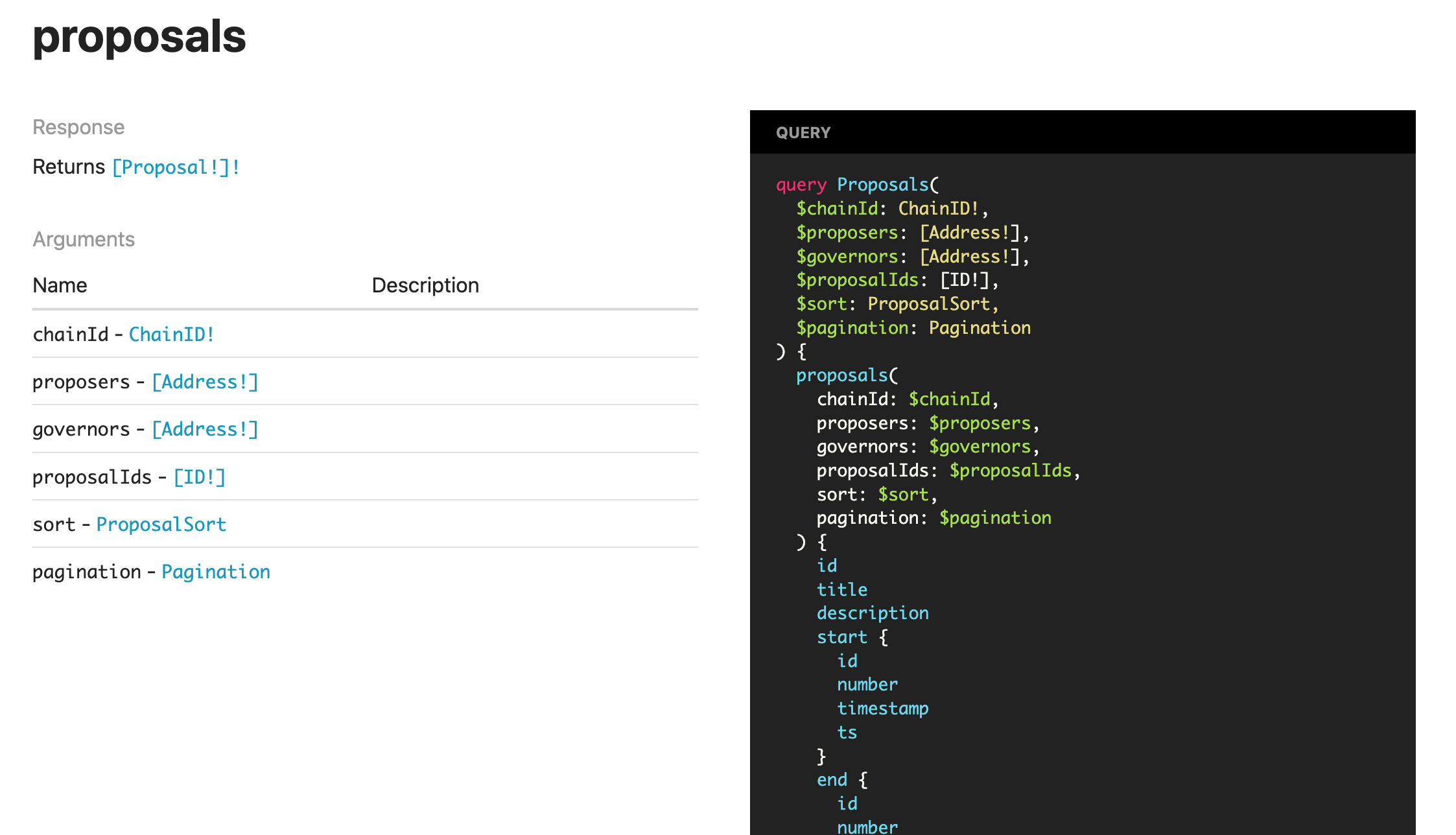
The public API is documented on this site. The API is a graphql API lets you request exactly the data you need.
Graphql playground
One big advantage of graphql is that it’s self-documenting. Check out the Graphql API Playground. You’ll need to add your API key in the “Request Headers” section, like this: {"Api-key": "YOUR_KEY_HERE"}
Note that the playground also includes undocumented endpoints. Using them is not recommended for production apps, because they are subject to change without notice.
Rate limits
Free Cactus API keys are rate-limited to ~1 request per second. If you’d like to switch to the paid tier to increase your rate limit, reach out on the #support channel on Discord.